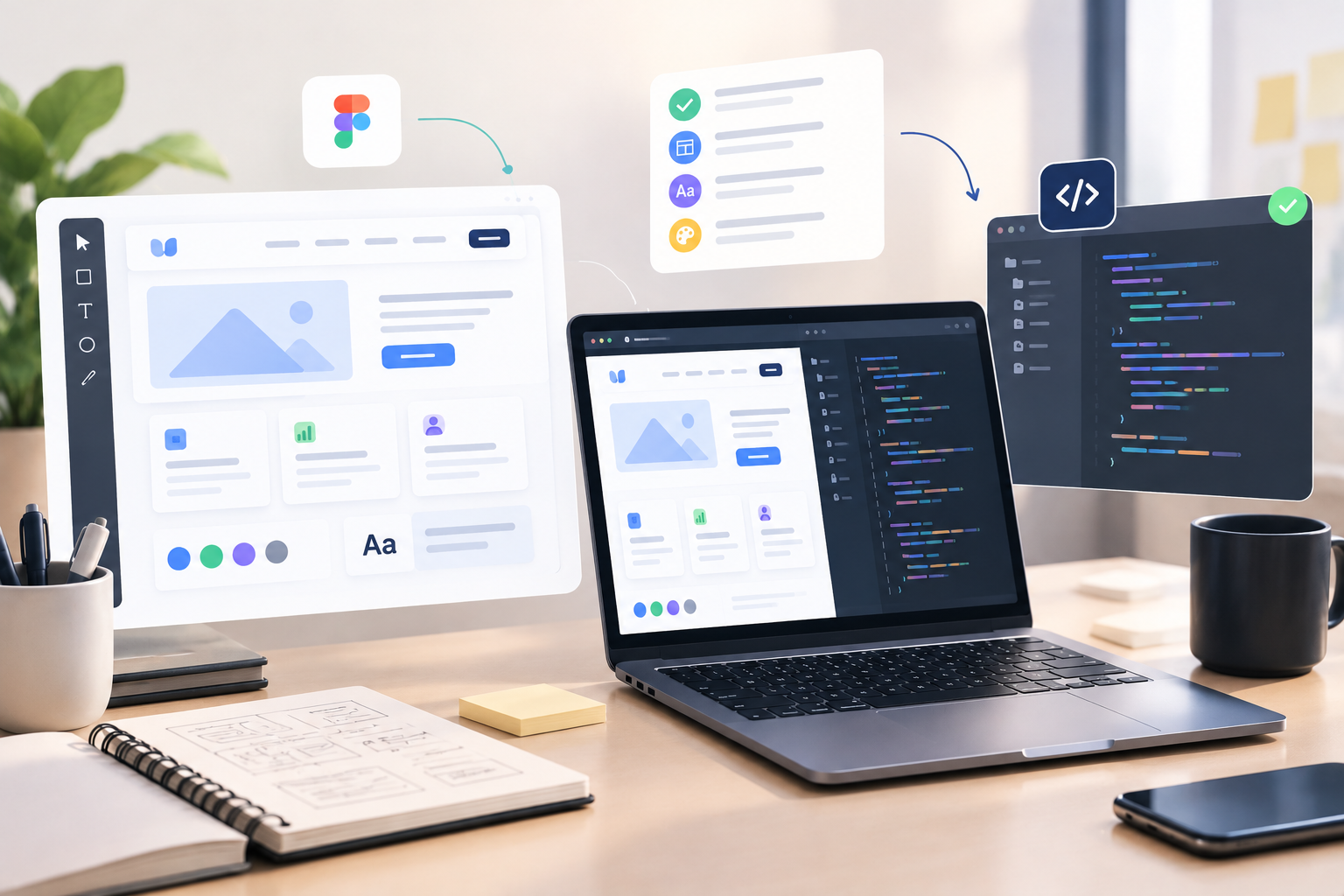
The transition from Figma mockup to production code is notoriously where clean product vision can devolve into engineering guesswork. Structuring a seamless design handoff to developers eliminates miscommunication, prevents wasted dev sprints, and builds a collaborative cross-functional culture. When design files are delivered with crystal-clear specs, engineering teams build faster and ship products that match the original vision down to the exact pixel.
1. The Friction Trap: Why Incomplete Design Specs Stall Engineering Sprints
Even the slickest user interface layout breaks down when developers are forced to guess how elements behave during live interactions. Missing interaction states, responsive rules, and component specifications can create unnecessary back-and-forth between designers and developers.
[Did You Know?] Up to 50% of engineering time spent on front-end bug fixes stems directly from ambiguous design specifications and unmapped UI states.
When hover, focused, active, and disabled button states are omitted, front-end engineers are left making assumptions that derail visual consistency. Defining explicit component specifications and responsive breakpoints in your design tokens prevents endless Slack threads and speeds up task execution.
2. Bridging the Gap: Establishing a Unified Design-to-Development Workflow
To eliminate friction, modern product teams treat the design-to-development workflow as a continuous dialogue rather than a single handoff event. Organizing Figma files with clear page structures, variable tokens, and annotation notes gives engineers immediate context.
[Did You Know?] Teams using standardized UI documentation guidelines reduce dev clarification meetings by up to 40%, significantly accelerating feature release velocity.
Leveraging automated inspection tools and linking live design tokens directly to code repositories ensures a single source of truth. Establishing a reliable design handoff checklist empowers engineers to turn static mockups into responsive code without second-guessing layout intent.
Test Your Knowledge: Design Handoff Trivia Quiz
1. What common omissions cause unnecessary back-and-forth communication between designers and developers?
-
Answer: Missing interaction states, responsive rules, and component specifications.
2. How much engineering time spent fixing front-end bugs originates from ambiguous design specs?
-
Answer: Up to 50% of front-end bug fix time.
3. By how much can standardized UI documentation reduce dev clarification meetings?
-
Answer: Meetings can be reduced by up to 40%.
Frequently Asked Questions
What is a design handoff to developers?
It is the process of transferring finalized UI design files, interaction specs, visual assets, and design tokens from product designers to software engineers for front-end development.
What should be included in a design handoff checklist?
A complete checklist includes interactive component states, responsive layout rules, typography tokens, exportable assets, user flow diagrams, and explicit spacing annotations.
How do missing UI states affect developer efficiency?
Without explicit hover, error, loading, and disabled states, developers must pause work to ask for clarification or make improvised design choices, leading to code refactoring later.